Show Discounts


To view or edit payments, select an order from the order list.
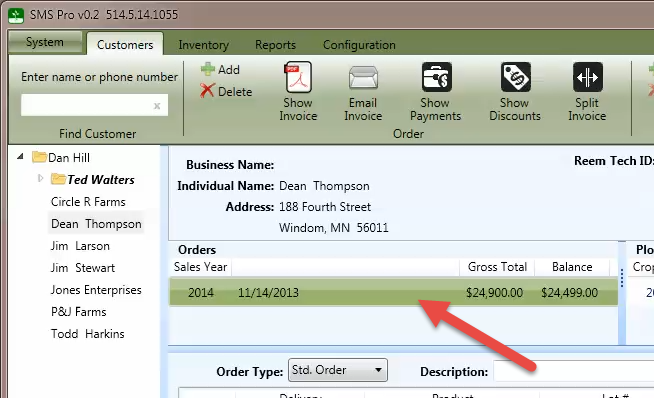
Press the Show Discounts button to display the incentive discount dialog.
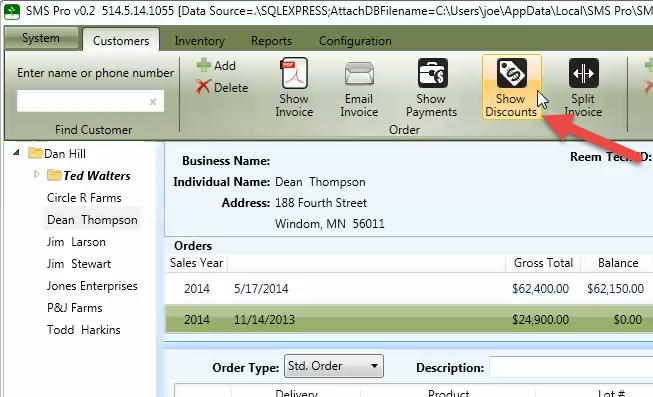
After the discounts have been applied, click OK to continue.
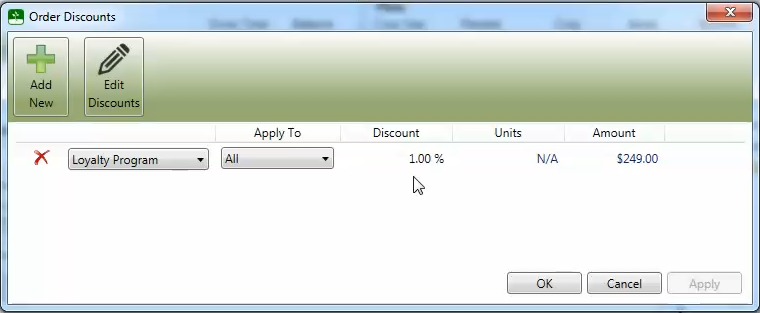
To edit the discounts, click the Edit Discounts button to display the Incentive Discounts property window. After a discount has been created, the name and discount can be changed.
The discounts will be available in the drop-down menus when entering orders. Discounts may be defined as dollars-per-unit ($) or percentage (%) and may be limited to a specific product category.