Split Invoice


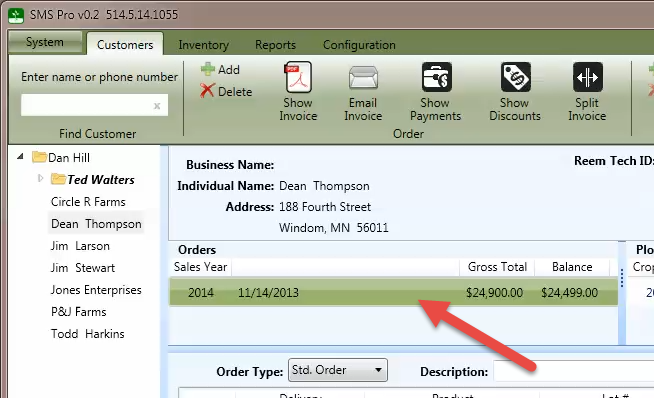
To view or edit payments, select an order from the order list
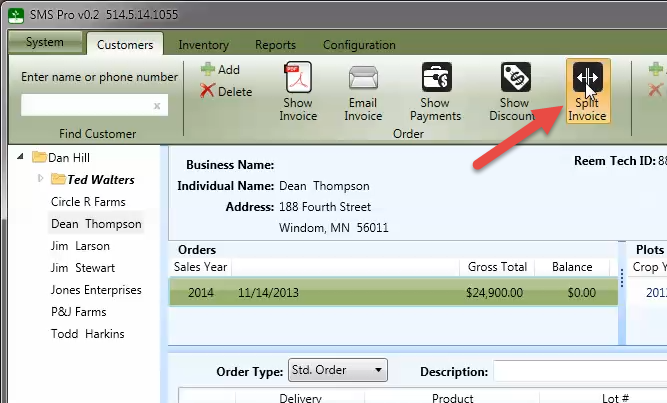
Press the Split Invoice button to display the split invoice dialog.
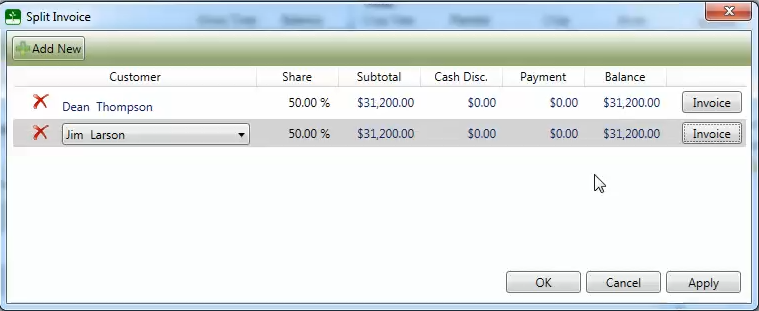
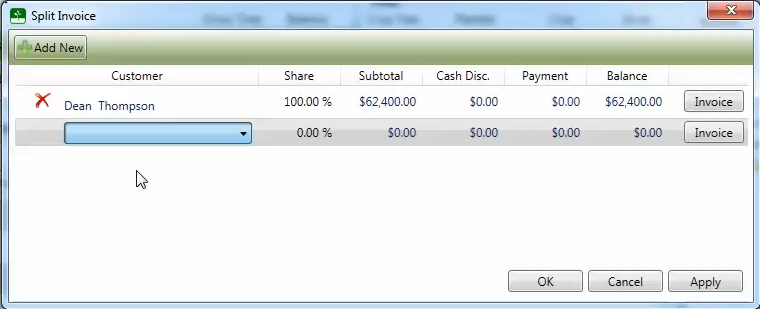
Select a customer from the drop down list and enter a percentage. Additional splits can be added by pressing the Add New button.
Press the OK button to close the split invoice dialog.