Show Payments


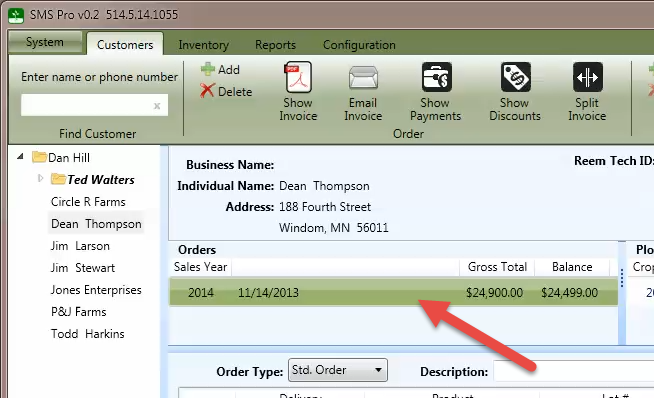
To view or edit payments, select an order from the order list.
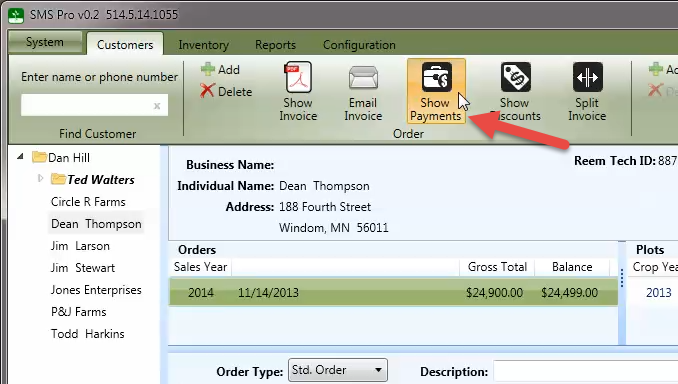
Press the Show Payments button to display the payments dialog.
After entering the payment information, press OK to continue.
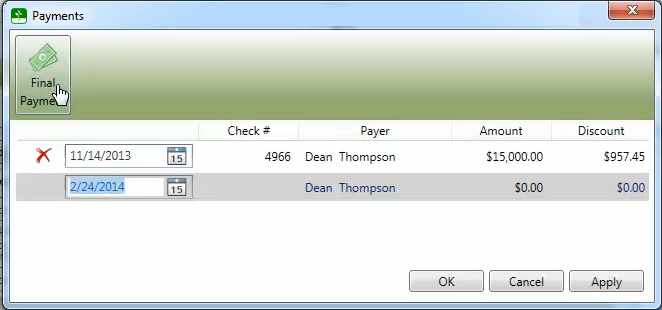
To automatically calculate the final payment along with any available cash discount, enter the date of the payment and press the Final Payment button.