Restore


To restore from a backup, select the Restore menu option found under the System menu.
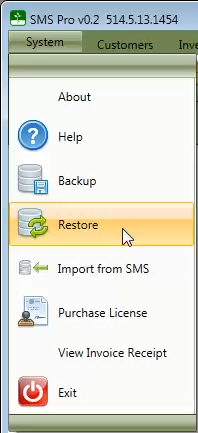
Select the backup file you want to restore from.
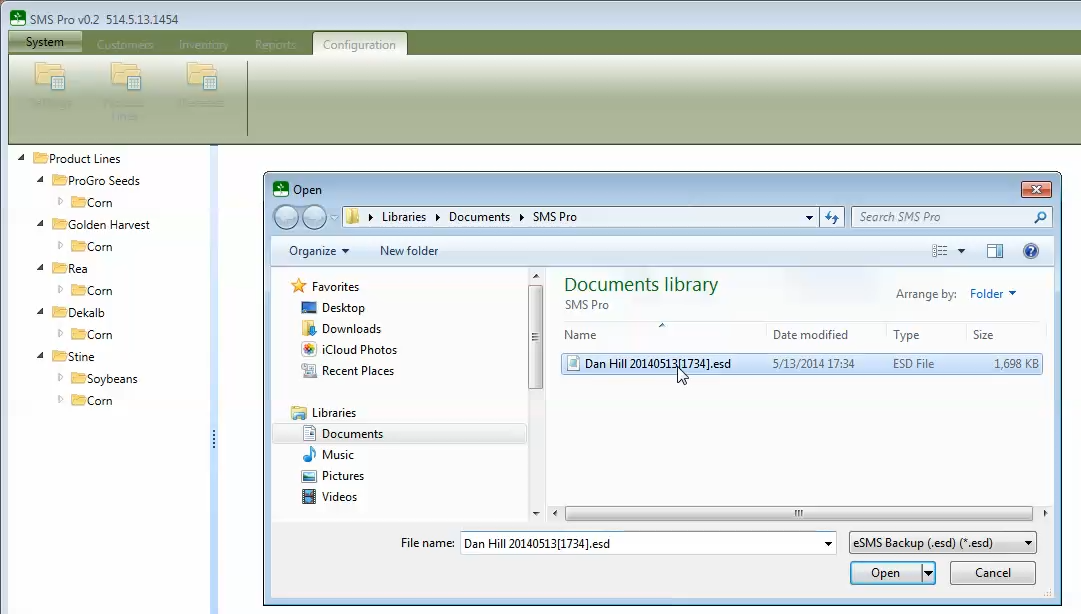
You will see a status message, as each step of the restore process completes.
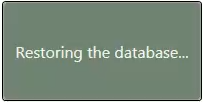
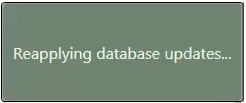
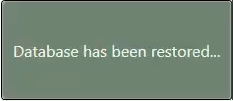
After the database has been restored, the application will restart to complete the restore process.
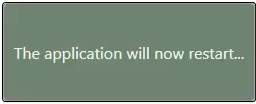
After the application restarts, SMS Pro will contain the same information as it was at the time of the backup.