Backup


All of the data stored in SMS Pro can be backed up and saved to a different location. This can also be used to transfer your information to another computer. Under the System menu, you will find a menu option Backup.
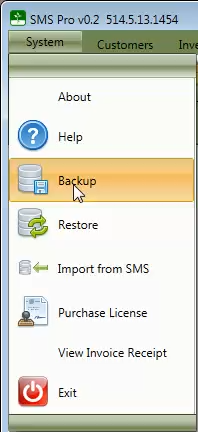
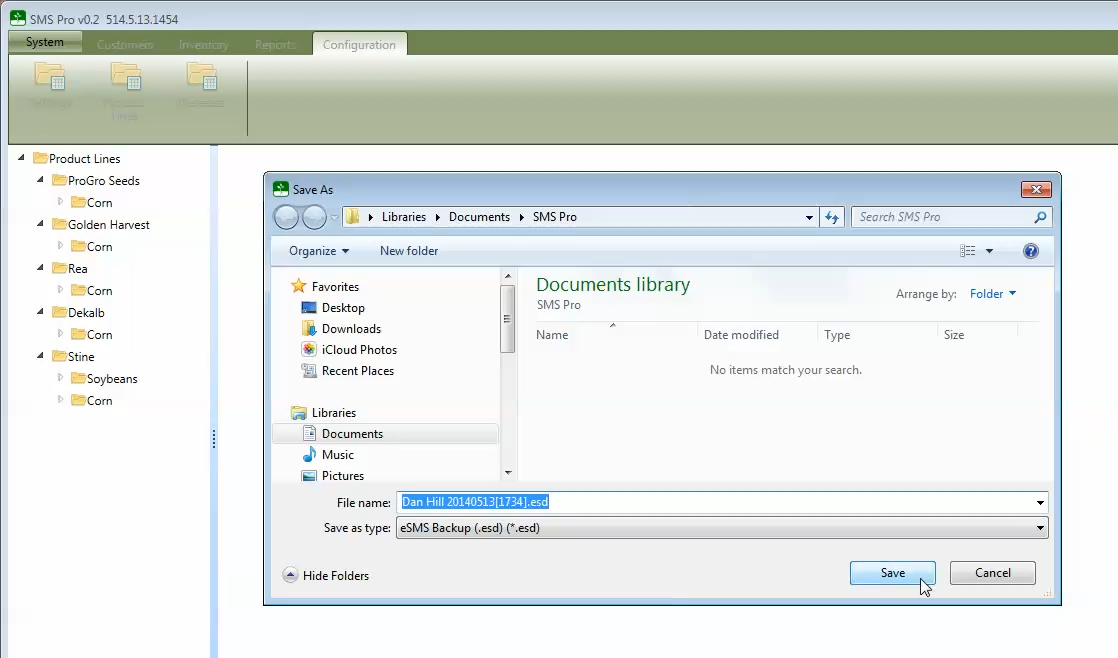
After clicking the Backup menu option, you will be prompted for a location to save the backup file to.
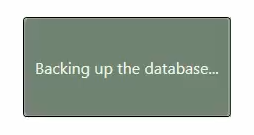
While the back up is running you will see the following.
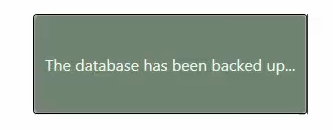
After the backup is complete, the following message will be displayed momentarily.
To restore from a backup file, follow the steps found in restoring from a backup.