Import from SMS


If MetaSoft's SMS was used previously, the customer and product information can be imported into AgriWare's SMS Pro. While the products are imported, it is recommended to create new product lines that utilized all of the parts of the product hierarchy. SMS Pro has additional functionality such as sub categories and features to allow for enhanced product management.
Important: Importing data from SMS will replace all information in SMS Pro. It is recommended to backup SMS Pro prior to running the import process.
Importing data from a SMS data file involves following steps:
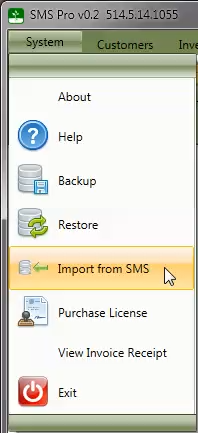
Select Import from SMS menu option from the System menu.
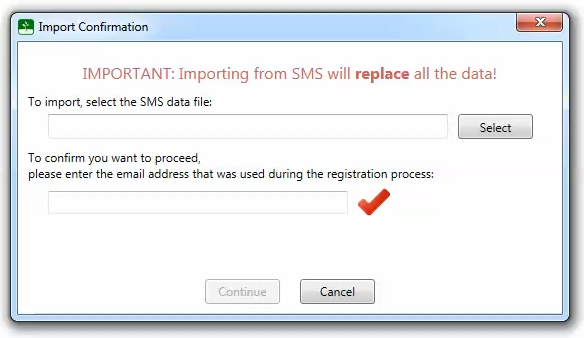
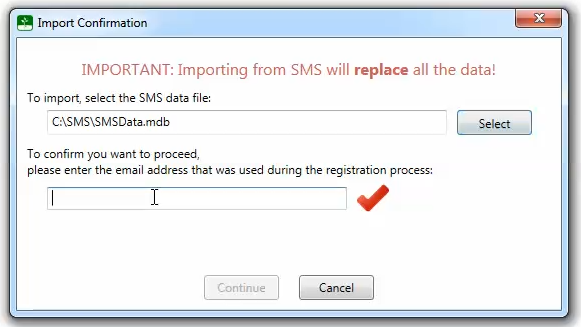
Next, choose the SMS data file by clicking the Select button.
The datafile can generally be found in C:\SMS\ if the default options were used when installing SMS.
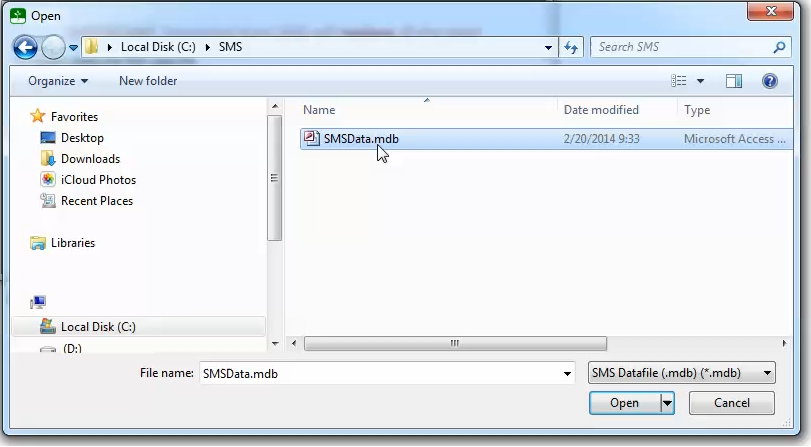
If you can not find the data file, please contact AgriWare Support for assistance.
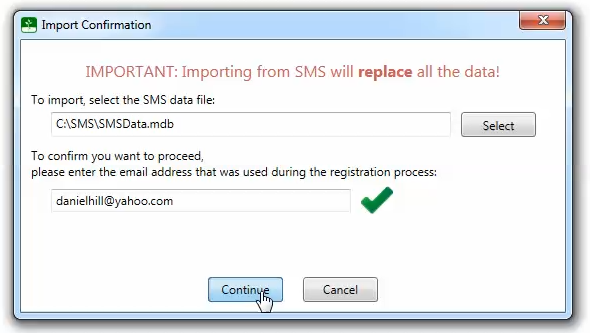
Next, enter the email address from the dealer properties window. If you are not sure of the email, right click the dealer's name on the customer or inventory tabs to view the dealer properties.
IMPORTANT: The email address is required to confirm that you want to replace the data with the information from the SMS data file.
After the correct email address has been entered, press the Continue button to start the import process.
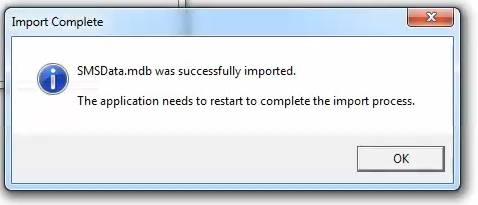
Finally after the data has been imported, SMS Pro will need to restart to complete the import process.