Product Selection


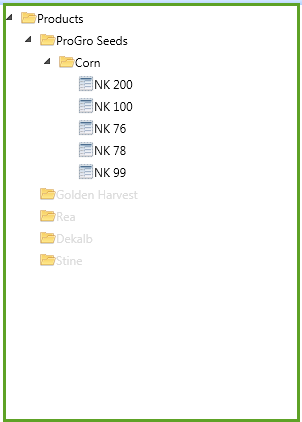
Products can be added to an order by selecting an item. Once a product has been added to an order, only items from the same product line can be added.
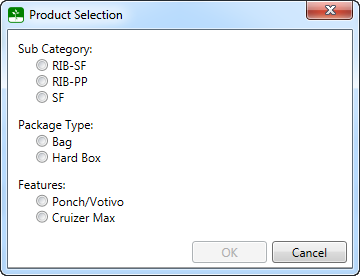
If options are available, a dialog window will be shown to make the required selections.
Important Note: Once a product has been added to an order, only products from the initial product line can be added to the order. This is because each product line can have different cash discount schedules.