Customers


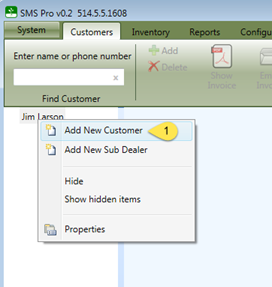
To add customers to a dealer, right click the user's name and select Add New Customer 1
You will then be presented with the following screen to enter the customer information.
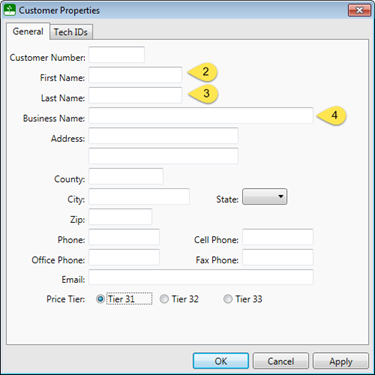
In order to create a customer, a First Name 2 and Last Name 3 or a Business Name 4 is required. All remaining fields can be updated at a later time but are necessary to create orders and generate invoices
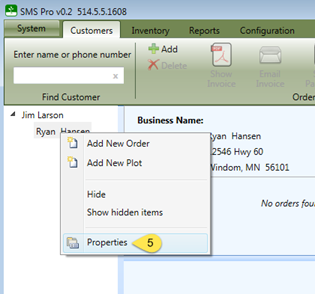
To edit the information for an existing customer, simply right click on the customer's name and select Properties 5