Getting Started


Step 1: After clicking the "Install" button, you will see the following depending on the browser you are using.


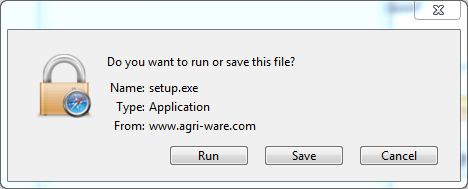
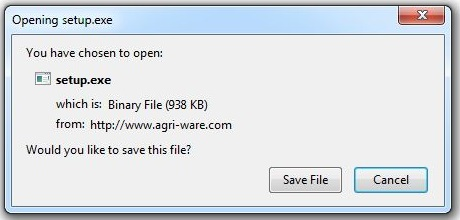
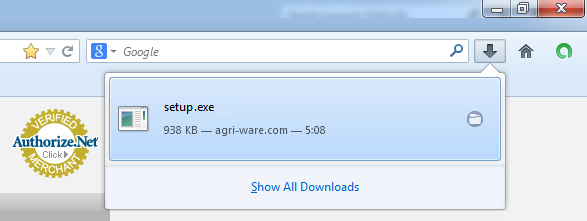
Step 2: Click the "Run" button.
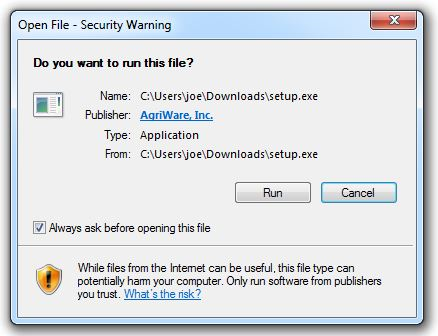
Step 3: Click the "Install" button.
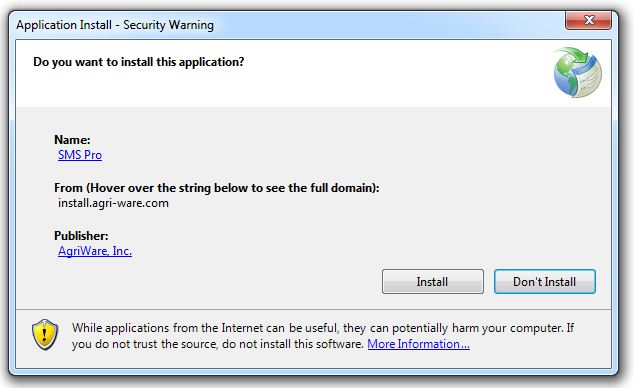
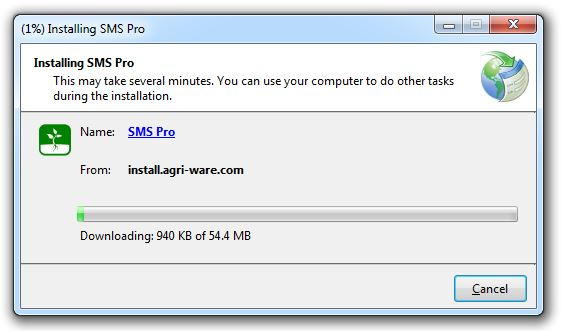
Step 4: You should now see the application downloading and then install.
Step 5: You should now see the application start.
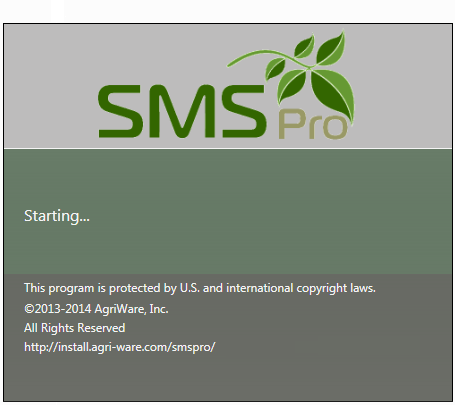
After the application has started, please follow the steps in Initial Setup.