Zones


Each customer is assigned a tech zone. These tech zones are used for product pricing.
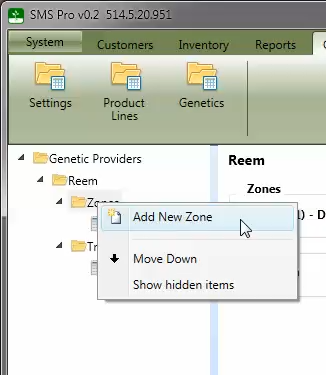
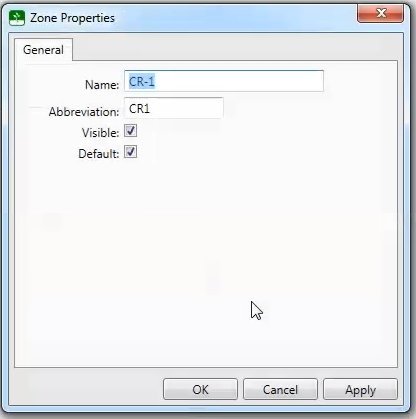
To add a new zone, right on the Zones folder for the tech provider and select the Add New Zone menu option. The zone properties window will be displayed which allows setting the attributes for the zone.
Important Note: The Default check box specifies that this is the zone that new customers are assigned to when they are initially created. A customer's zone can be change on the Customer Property window.
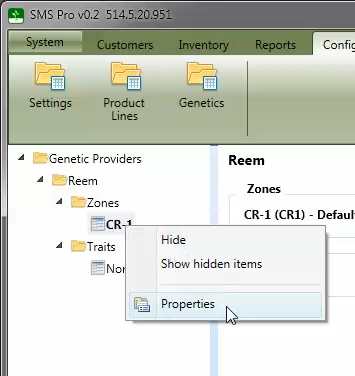
To edit the properties of a zone, right click on the zone name in the tree and select the Properties menu option.