Product Line Properties


Each product line in the tree can be edited by right clicking on the name and selecting the Properties menu option.
The properties window has following tabs:
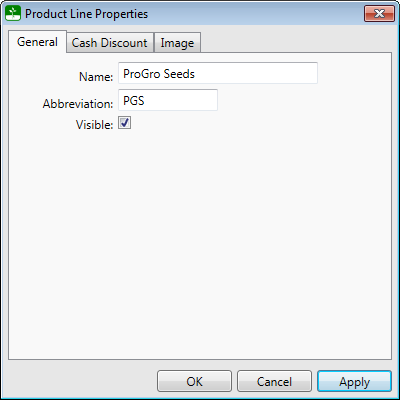
A product line can have a separate name and abbreviation. The abbreviation will be used in areas where there is limited space available. Product Lines are not allowed to be deleted from the system, but they can be hidden by clearing the check-mark in the Visible check box which will remove the item from lists.
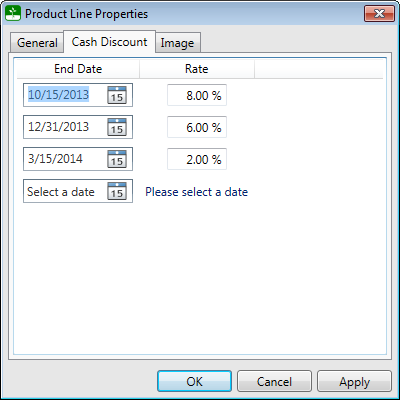
Cash discounts can have as many end dates as necessary. After adding a new date and rate, click the Apply button for a new row in order to add additional cash discounts.
A product line can have a custom image which is used on the invoices and quotes for this product line that are generated from the SMS Pro. If the product line doesn't have a logo, the standard report logo is used instead,