Managing sub dealers


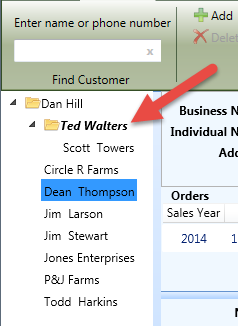
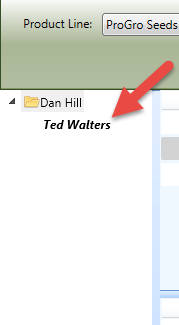
Sub dealer information can be changed in either Customer or Inventory tabs. The sub dealer is displayed with a bold font and appears above the dealer's customers.
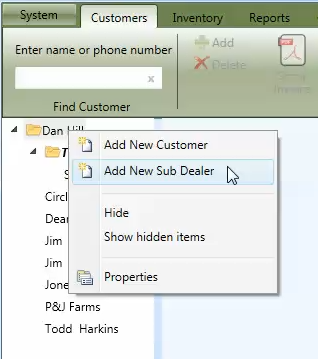
On the Customer or Inventory tab, right click on the dealer's name and select Add New Sub Dealer which will display the Dealer Properties window.
In order to add a new sub dealer, a First Name and Last Name OR Business Name is required. After entering the dealer information, the dealer can be saved by clicking the OK button at the bottom of the properties window.
To edit an existing dealer, right click on the dealer's name and select Properties. After changing the dealer information, the dealer can be saved by clicking the OK button.