Email Invoice


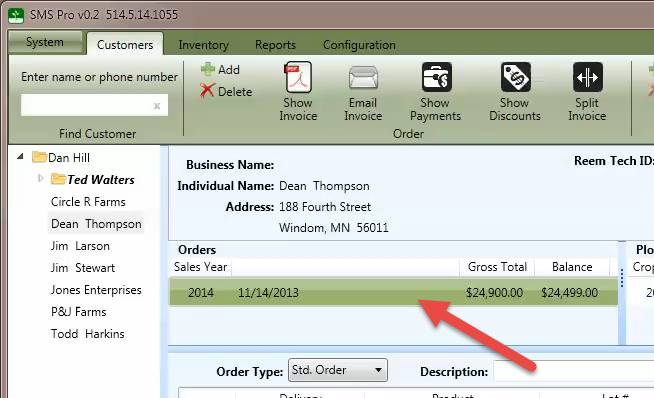
To email an invoice to a customer, select an order from the order list.
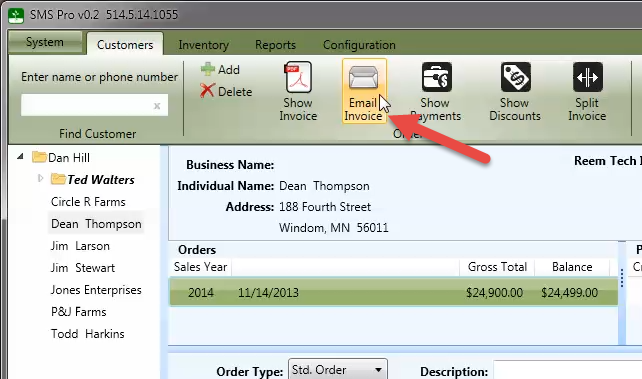
Press the Email Invoice button to display the compose Email dialog.
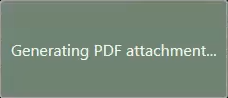
Wait momentarily while PDF attachment is generated and attached to the email.
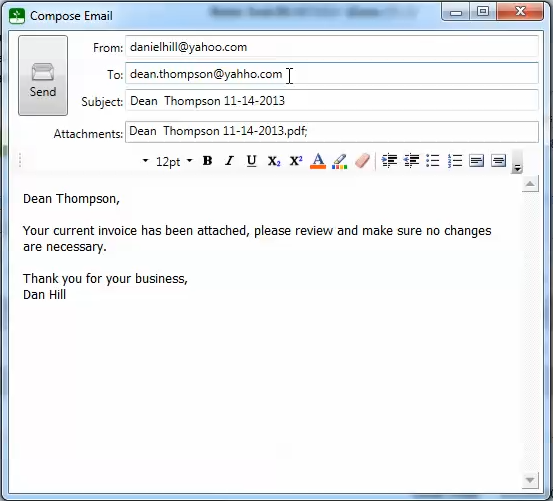
Verify the email recipient, enter a message and click the Send button.
A confirmation message will be displayed if the email was sent successfully.
Important Note: If the Send button is not enabled, verify the From, To and Subject fields have been entered. Your computer must also be connected to the Internet to send an email.