Category Properties


A product line has one or more categories. Categories are generally used as a seed type such as corn, soybeans, wheat, alfalfa, tomatoes, etc.
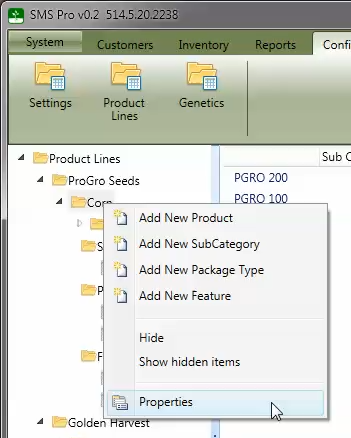
Each category in the tree can be edited by right clicking on the name and selecting the Properties menu option.
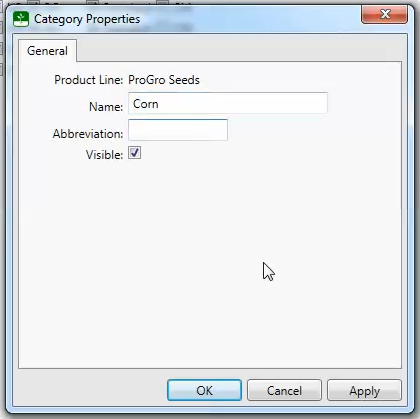
A category can have a separate name and abbreviation. The abbreviation will be used in areas where there is limited space available. Categories are not allowed to be deleted from the system, but they can be hidden by clearing the check-mark in the Visible check box which will remove the item from lists.
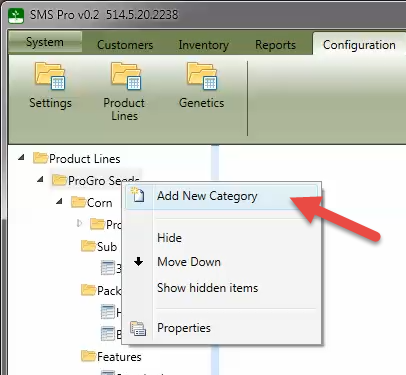
To add a new category to a product line, right click on the product line's name and select Add New Category from the menu as shown here.